
With most new information system implementations, there’s a standard checklist of tasks that must always be completed:
Discovery process and documentation – check!
Timeline and milestones clearly communicated to ALL stakeholders -check!
Data conversion and verification – check!
Configure data entry forms and processes – check!
Build standard reports – check!
Write user guides and procedures – check!
Configure user permissions and privacy settings – check!
Check hardware, networks or other software for compatibility – check!
Train end users – check!
Flip a magical switch on a Monday morning and ta-da! New system up and running.
What happens (or doesn’t happen) after you flip the switch can have a huge impact on a successful information system implementation. After investing time and money, blood, sweat and tears in a new system implementation, a lot of babysitting and support is needed. I’ve seen more avoidably unhappy user groups 6 months or even a year after go-live than I care to remember.
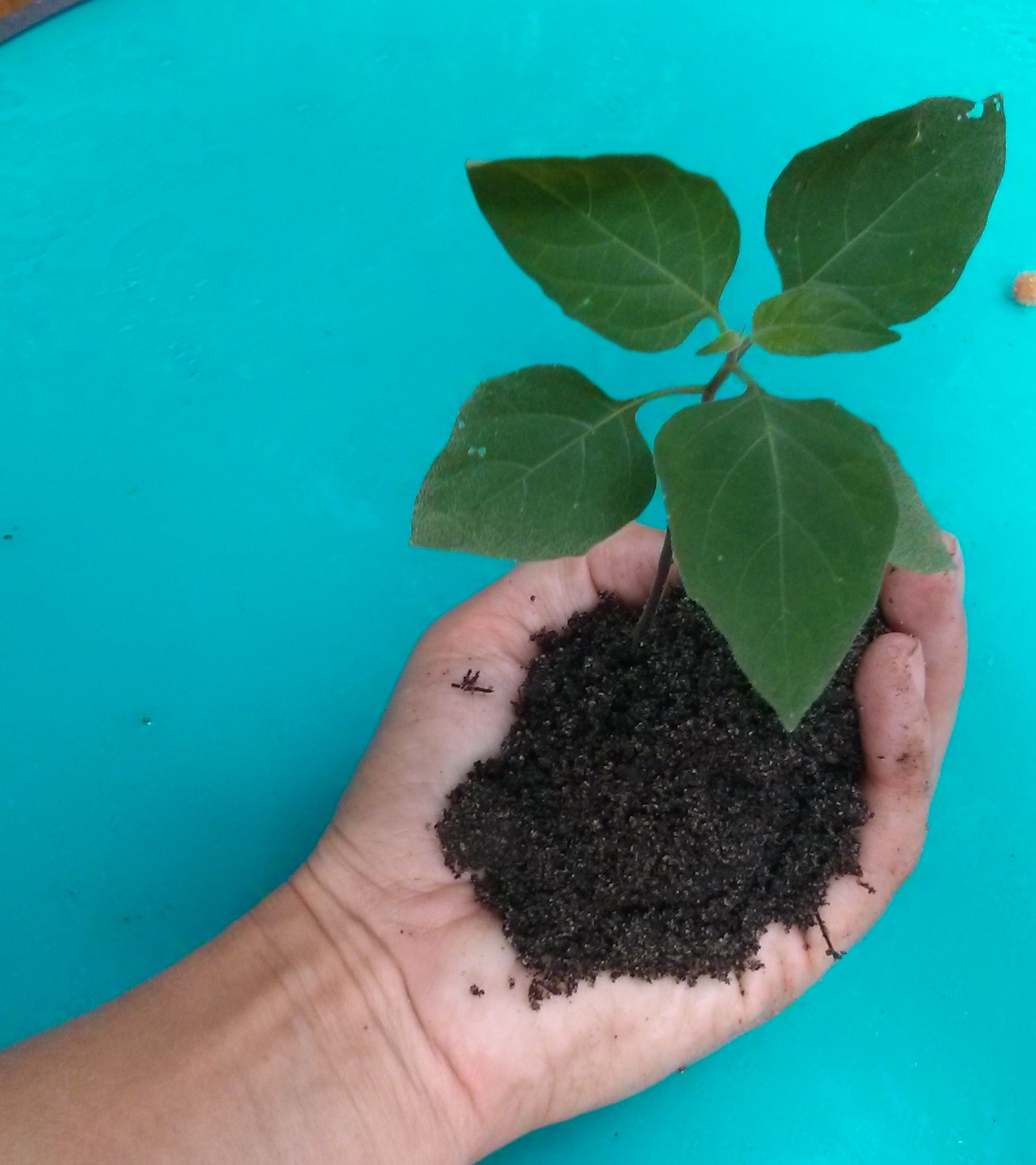
(one of my seedlings…dirty hands)
I think of a new system implementation like a seedling plant. Your new system needs protection, oversight and a lot of love as it grows. A lot of environmental factors will be working against it, not the least of which is a general aversion to change.
What you as a system administrator or organizational leader can do to grow your seedling into a healthy plant that will bear fruit will vary based on the size of your organization and the critical nature of the new system you’ve just installed. Here are some ideas to get you started.
New Frames for Squirrels and Ferrets
At most organizations, new system users will need some time to get comfortable with the new system (regardless of the amount of training you’ve provided) and start viewing their work tasks through the fresh frame of a new information system. It commonly takes a couple of years to root out and help people relinquish old ways of tracking and compiling data, including the pesky Excel spreadsheets and Word docs. People have a tendency, consciously or unconsciously, to squirrel away information. The goal is to ferret out all those little data compilation projects and get them into the information system so that they are known and documented. And you need to do this in a way that saves the user time and effort. This means that as your new system seedling grows, you’ll be constantly pruning it and caring for it. (Yep, I just used squirrel AND ferret in the same paragraph in an information systems post.)
Consistently Measure Growth
Find monitoring tools to determine which users are logging in and how frequently. This is typically in the form of a daily report or dashboard display inside the information system. Run these reports at least weekly for a new system. If the system is critical to your daily operations, talk with the people who are not logging in each day about their needs or hesitations one-on-one. This approach is time consuming for the site administrator or managers, but far more effective than sending out organization-wide memos or emails that formally remind people to use the new system.
You could take it a step further and look for specific types of system usage. Run specific aggregate reports by user to find data gaps.
To use a legal case management system example: which users are entering timeslips or notes against their assigned cases in the system? Who is still tracking time by hand on a notepad and entering time in bulk into the system? If the system is designed for contemporaneous timeslip entry (tracking time AS you work the case), those notepad dependents are probably unhappy with the timeslip functionality in the new system. Help them re-frame their timekeeping habits and use the system as designed. It’s also worth looking at how many people are using notepads. Consider the possibility of system shortcomings for timeslip data entry and change the configuration if possible (prune your little plant).
Output Requirements
Require certain types of output to come directly out of the new information system. To carry over the timeslips example, require each user to submit a weekly time report in a specific format from the case management system. Or, if forcing users to generate reports once a week feels like busy-work, set up a site administrator level compiled report for review once a week. Where data is missing or incorrectly entered, seek out each user individually to work with them on improvement.
Group Gardening
Frequently during a system roll-out, testing and configuration is influenced by a small group of end users . Keep this group in place for the first year after go-live for periodic feedback and review. The group can bring new issues to you in an organized fashion and assist with discovery of those off-system data compilation methods that need to be incorporated into the new information system. A really great group can also advocate system usage within their departments or even at the water cooler.
More Training
I figure most people really only learn and assimilate about 30 or 40% of what I present in any given training session. When planning out the project, add one and half times the amount of training as you think they really need. Repetition, repetition, repetition. The really savvy users won’t need post-golive training and shouldn’t be required to attend, but in most of the organizations I’ve worked with, those savvy folks are rare. Periodic training sessions are one way to help people reframe their information system tasks and think of new ways to make the system work for them. A small group workshop setting can also encourage users to exchange ideas.
There are a thousand other ways that you can care for your seedling information system as it grows into a solid, healthy plant, but when planning a new system implementation, the project doesn’t end when you flip the magical go-live switch. Be sure to allocate significant and measurable resources for your seedling for up to a full year after go-live. You’ll know it’s grown past the delicate seedling phase when people can’t live without it.
 Lea Remigio
Leave a comment